
Table of Contents
ToggleAmazon Alexa Smart Lock Integration: Setup & Voice CommandsIntegrating Smart Locks with Amazon Alexa: Setup & Voice Commands Guide
Integrating smart locks with Amazon Alexa offers a seamless way to enhance home security and convenience. This comprehensive guide will walk you through the setup process, the benefits of voice control, and essential commands to manage your smart locks effectively. Many homeowners seek solutions that provide both security and ease of use, and smart locks integrated with Alexa deliver just that. By the end of this article, you will understand the advantages of this integration, the necessary components for setup, and how to troubleshoot common issues. We will also highlight professional installation services available in Charlotte, NC, to ensure you have the best support for your smart lock needs.
Why Should You Integrate Your Smart Lock with Amazon Alexa?
Integrating your smart lock with Amazon Alexa provides numerous benefits that enhance both security and convenience.
- Hands-Free Convenience: With voice commands, you can lock or unlock your doors without needing to fumble for keys or your smartphone.
- Remote Access: Control your smart lock from anywhere, allowing you to grant access to guests or service providers even when you are not home. (Note: Remote unlocking via Alexa requires compatible smart locks with internet connectivity and proper setup.)
- Enhanced Security: Smart locks can provide alerts and notifications, ensuring you are always aware of who enters or exits your home.
These features make smart locks a valuable addition to any smart home ecosystem, particularly when paired with a voice assistant like Alexa.
What Are the Benefits of Alexa Smart Lock Integration?
The integration of smart locks with Alexa offers several specific benefits:
- Convenience of Voice Control: You can easily lock or unlock your doors using simple voice commands, making it ideal for busy households.
- Increased Security Features: Many smart locks come with advanced security features, such as tamper alerts and automatic locking, which can be managed through Alexa.
This integration not only simplifies access but also enhances the overall security of your home.
How Does Voice Control Enhance Smart Lock Functionality?
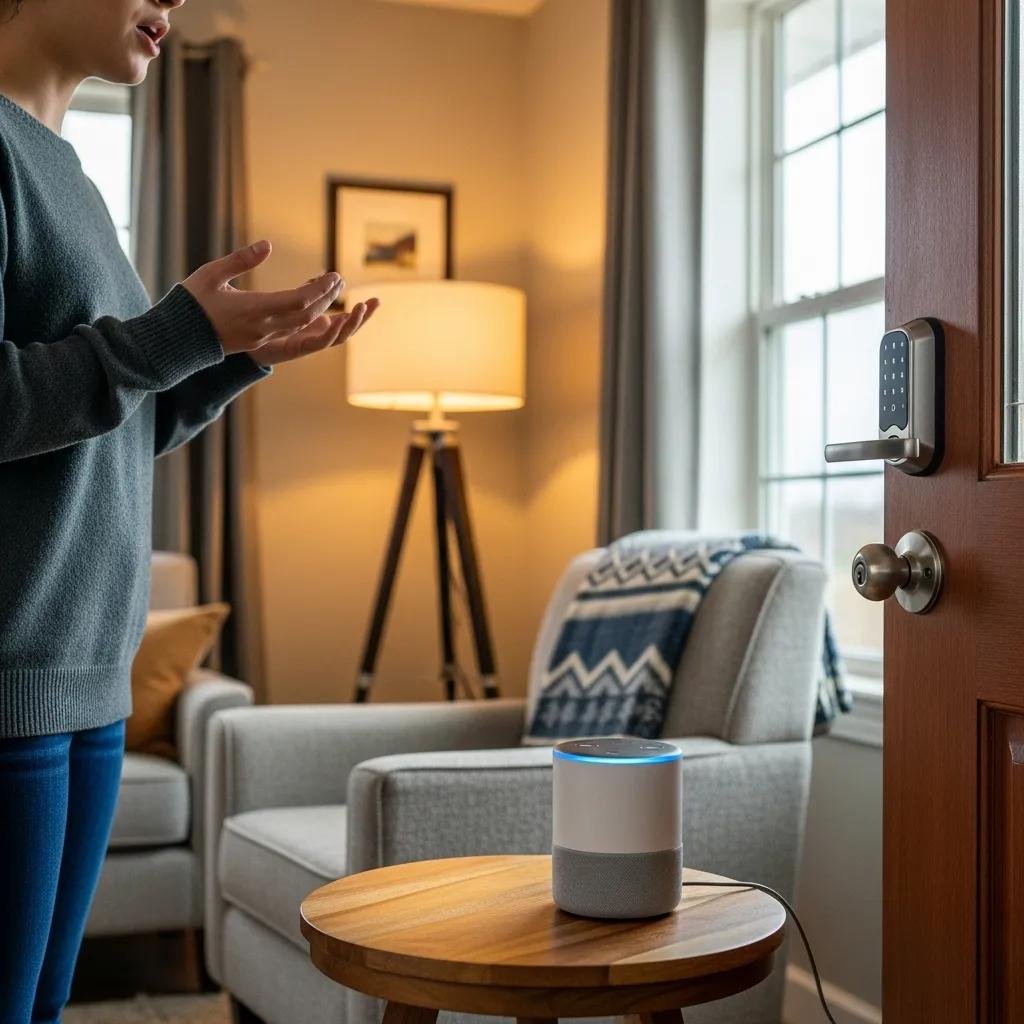
Voice control significantly enhances the functionality of smart locks by allowing users to interact with their locks effortlessly.
- Voice Command Examples: You can say, “Alexa, lock the front door,” or “Alexa, is the back door locked?” to check the status of your locks.
- Integration with Smart Home Systems: Voice control allows for seamless integration with other smart home devices, enabling you to create routines that enhance your home’s security.
This functionality makes managing your home security more intuitive and user-friendly.
What Are the Essential Components for Alexa Smart Lock Setup?
To successfully integrate a smart lock with Amazon Alexa, certain components are essential.
- Compatible Smart Locks: Ensure that your smart lock is compatible with Alexa. Popular options include Schlage, Yale, and August smart locks.
- Required Devices and Apps: You will need an Amazon Echo device and the Alexa app installed on your smartphone for setup and control.
These components are crucial for a smooth integration process.
Which Smart Locks Are Compatible with Amazon Alexa?
Several smart locks are designed to work seamlessly with Amazon Alexa. Here are some popular brands:
- Schlage Smart Lock: Known for its robust security features and ease of use.
- Yale Smart Lock: Offers a range of models with various features, including keyless entry.
- August Smart Lock: Provides a retrofit option that works with your existing deadbolt.
Choosing a compatible smart lock ensures that you can take full advantage of Alexa’s capabilities.
What Devices and Apps Are Needed for Integration?
For a successful integration, you will need the following devices and apps:
- Amazon Echo Device: This acts as the hub for voice commands.
- Alexa App: Available on both iOS and Android, this app is essential for setting up and managing your smart lock.
Having these devices ready will streamline the setup process.
How to Connect Your Smart Lock to Amazon Alexa: Step-by-Step Setup Guide
Connecting your smart lock to Amazon Alexa involves a few straightforward steps.
- Installation Steps for Alexa-Compatible Smart Locks: Begin by installing your smart lock according to the manufacturer’s instructions. Ensure that it is securely mounted and functioning properly.
- Enable and Configure Smart Lock Skills in the Alexa App: Open the Alexa app, navigate to the “Skills & Games” section, and search for your smart lock brand. Enable the skill and follow the prompts to link your account.
This step-by-step guide will help you get your smart lock up and running with Alexa in no time.
What Are the Installation Steps for Alexa-Compatible Smart Locks?
The installation process for Alexa-compatible smart locks typically includes:
- Removing the Existing Lock: Carefully take off your old lock and prepare the door for the new smart lock.
- Installing the Smart Lock: Follow the manufacturer’s instructions to install the new lock, ensuring all components are securely attached.
- Testing the Lock: Once installed, test the lock manually before connecting it to Alexa.
These steps ensure that your smart lock is installed correctly and ready for integration.
How to Enable and Configure Smart Lock Skills in the Alexa App?
To enable and configure your smart lock skills in the Alexa app, follow these steps:
- Open the Alexa App: Go to the “Skills & Games” section.
- Search for Your Smart Lock Brand: Find the specific skill for your smart lock and enable it.
- Link Your Account: Follow the prompts to link your smart lock account with Alexa, allowing for voice control.
This configuration is essential for utilizing voice commands effectively.
What Are the Key Alexa Voice Commands for Controlling Smart Locks?
Using Alexa to control your smart locks is simple and efficient. Here are some key voice commands:
- Locking and Unlocking Doors: You can say, “Alexa, lock the front door,” or “Alexa, unlock the back door.” (Note: For security reasons, some smart locks require a PIN code to unlock via voice command.)
- Checking Lock Status: Ask, “Alexa, is the front door locked?” to receive real-time updates on your lock’s status.
These commands enhance your ability to manage home security effortlessly.
How Do You Lock and Unlock Doors Using Alexa Voice Commands?
Locking and unlocking doors with Alexa is straightforward. Simply use the commands:
- “Alexa, lock the front door.”
- “Alexa, unlock the back door.”(Note: Unlocking may require a voice PIN code for security.)
These commands provide a hands-free way to secure your home.
How to Use Voice Unlock with PIN Codes for Security?
For added security, you can set up voice unlock with PIN codes.
- Setting Up PIN Codes: In the Alexa app, navigate to your smart lock settings and enable voice unlock. You can then set a secure PIN.
- Security Benefits: This feature ensures that only authorized users can unlock the door, adding an extra layer of protection.
Using PIN codes with voice commands enhances the security of your smart lock system.
How to Troubleshoot Common Alexa Smart Lock Issues?
Despite the convenience of smart locks, you may encounter some common issues. Here are troubleshooting tips:
- What to Do When Alexa Does Not Respond to Smart Lock Commands?: Ensure that your smart lock is properly connected to the Wi-Fi network or hub and that the Alexa app is updated.
- How to Resolve Connectivity and PIN Code Problems?: Check your Wi-Fi connection or hub connectivity and ensure that the smart lock is within range of your router or hub. If PIN codes are not working, verify that they are correctly set in the Alexa app.
These troubleshooting steps can help resolve common issues quickly.
What to Do When Alexa Does Not Respond to Smart Lock Commands?
If Alexa is unresponsive to your commands, try the following:
- Check Network Connection: Ensure that both your smart lock and Echo device are connected to the internet, either via Wi-Fi or through a compatible smart home hub.
- Restart Devices: Sometimes, simply restarting your Echo device or smart lock can resolve connectivity issues.
These steps can help restore functionality to your smart lock commands.
How to Resolve Connectivity and PIN Code Problems?
To resolve connectivity and PIN code issues, consider these actions:
- Verify Signal Strength: Ensure that your smart lock is within range of your Wi-Fi router or smart home hub.
- Reconfigure PIN Codes: If PIN codes are not working, go back to the Alexa app and re-enter the codes to ensure they are set correctly.
These troubleshooting methods can help maintain the reliability of your smart lock system.
Where to Get Professional Smart Lock Installation and Support in Charlotte, NC?
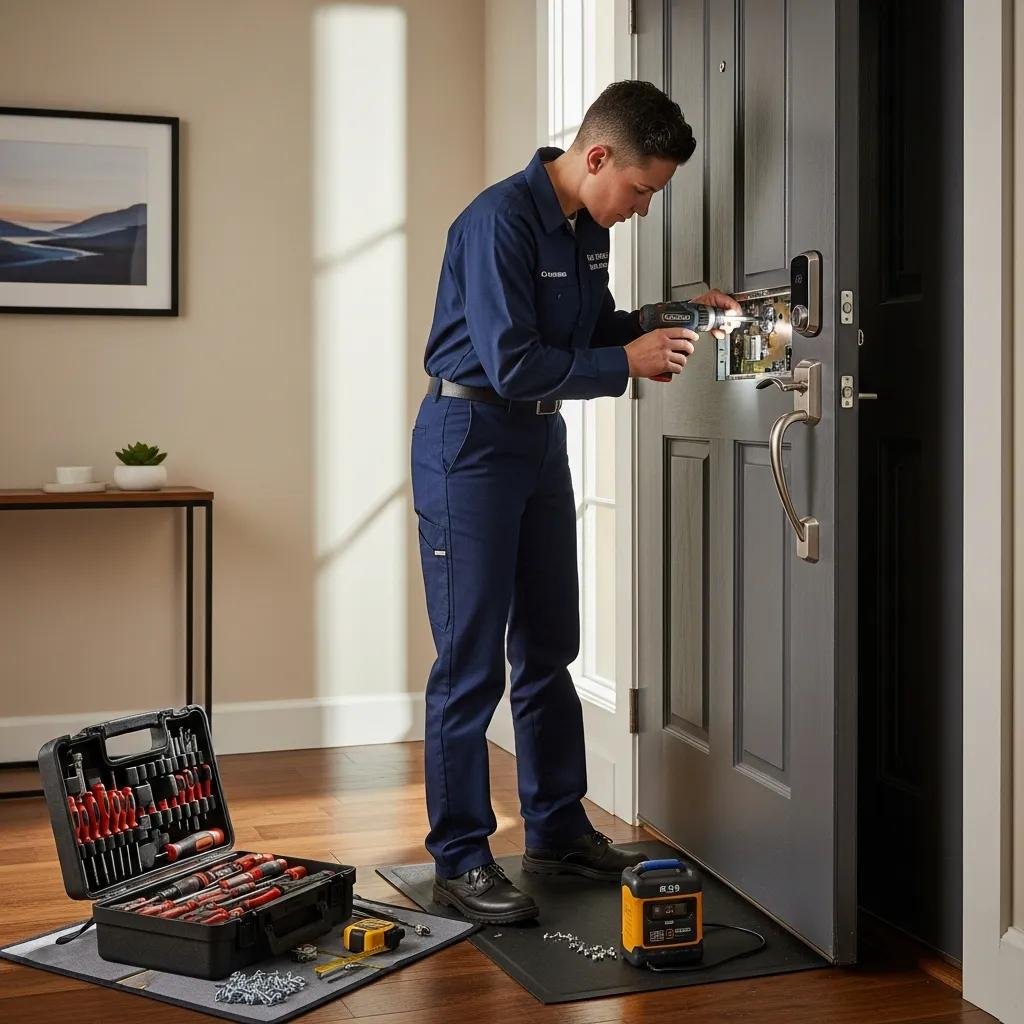
For those who prefer professional assistance, several options are available for smart lock installation in Charlotte, NC.
- Why Choose My Locksmith Express for Alexa Smart Lock Services?: My Locksmith Express offers 24/7 mobile locksmith services, ensuring you receive prompt and reliable support for your smart lock installation.
- What Local Smart Lock Brands and Features Are Recommended?: They provide installation services for popular brands like Schlage, Yale, and August, ensuring you have access to high-quality smart locks.
Why Choose My Locksmith Express for Alexa Smart Lock Services?
My Locksmith Express is a trusted provider in Charlotte, NC, specializing in smart lock installations. Their services include:
- 24/7 Service Availability: They are always ready to assist you with your locksmith needs.
- Expert Technicians: Their team is trained to handle various smart lock brands and models, ensuring a smooth installation process.
This expertise makes them a reliable choice for your smart lock installation.
What Local Smart Lock Brands and Features Are Recommended?
When considering smart locks, My Locksmith Express recommends several reputable brands:
- Schlage Smart Locks: Known for their durability and advanced security features.
- Yale Smart Locks: Offers a variety of models with user-friendly interfaces.
- August Smart Locks: Provides innovative solutions for retrofitting existing deadbolts.
These brands are recognized for their quality and compatibility with Alexa, making them excellent choices for your smart home setup.