Table of Contents
ToggleComplete DIY Smart Lock & Deadbolt Installation GuideDIY Smart Lock Installation: A Step-by-Step Guide to How to Install a Smart Lock and Smart Deadbolt
Installing a smart lock can significantly enhance your home security while providing convenience and ease of access. This comprehensive guide will walk you through the entire process of DIY smart lock installation, ensuring you have the knowledge and tools necessary to complete the task successfully. Smart locks offer features such as remote access, keyless entry, and integration with smart home systems, making them an attractive option for modern homeowners. However, many individuals may feel overwhelmed by the installation process, fearing they might damage their doors or locks. This article will provide you with clear, step-by-step instructions, preparation tips, and troubleshooting advice to help you install your smart lock with confidence. We will cover essential preparation steps, detailed installation instructions, configuration and testing, common problems, and when to consider professional services.
How Do I Prepare for DIY Smart Lock Installation?
Preparation is key to a successful DIY smart lock installation. Understanding the compatibility of your door and gathering the necessary tools will set you up for success. This section will guide you through the essential steps to ensure you are ready for the installation process.
What Tools and Supplies Are Needed for Smart Lock Installation?
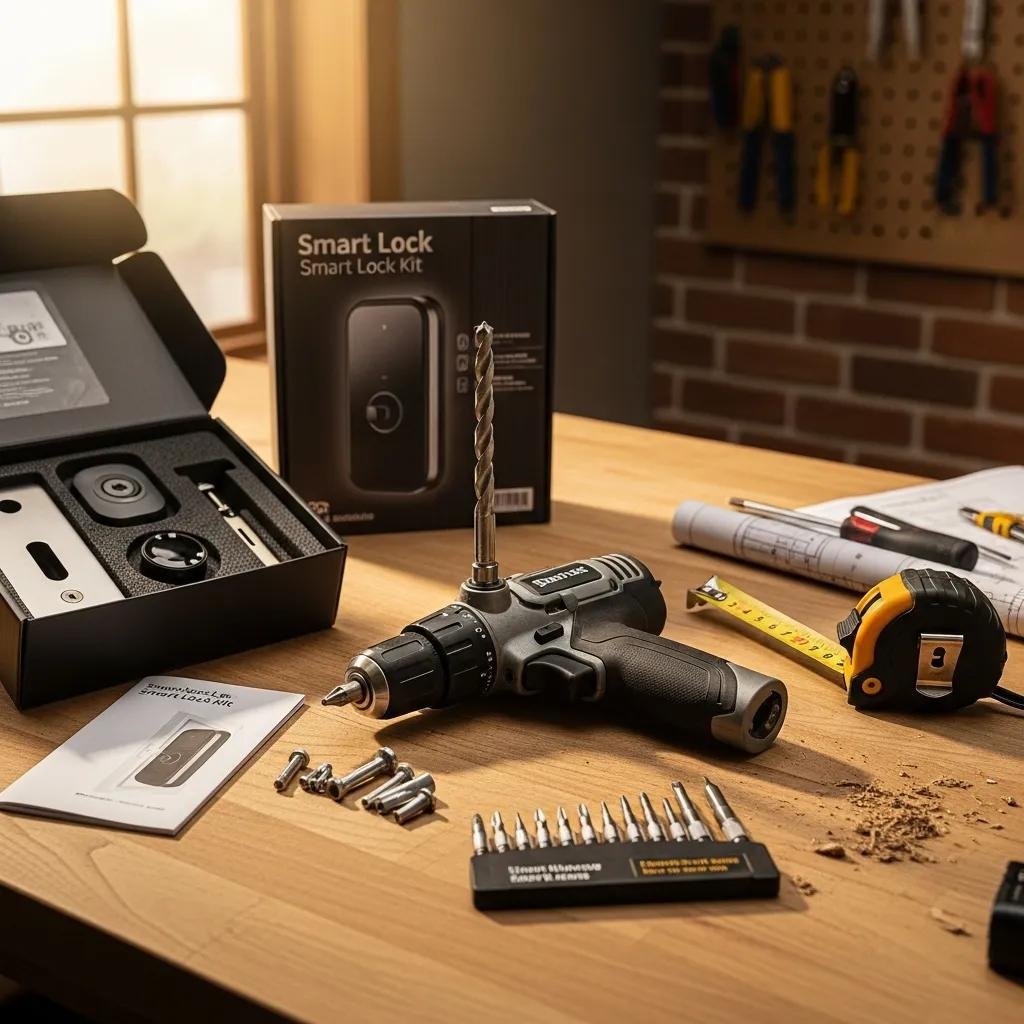
To install a smart lock, you will need the following tools and supplies:
- Screwdriver: A Phillips screwdriver is typically required for removing the old lock and installing the new one.
- Drill: If new holes are needed for the smart lock, a power drill will be necessary.
- Measuring Tape: To ensure proper alignment and fit of the new lock.
- Level: To make sure the lock is installed straight.
- Smart Lock Kit: This includes the smart lock itself, mounting hardware, and batteries.
Gathering these tools beforehand will streamline the installation process and minimize delays.
How Do I Check Door Compatibility and Existing Lock Type?
Before proceeding with the installation, it is crucial to check your door’s compatibility with the smart lock. Here are the key factors to consider:
- Door Thickness: Most smart locks are designed to fit standard door thicknesses (1 3/8 to 2 inches). Measure your door to ensure compatibility.
- Existing Lock Type: Identify whether your current lock is a deadbolt or a knob lock, as this will determine the type of smart lock you can install.
- Backset Measurement: Measure the distance from the edge of the door to the center of the existing lock hole. Common backset measurements are 2 3/8 inches and 2 3/4 inches.
Confirming these details will help you select the right smart lock for your door.
What Are the Step-by-Step Instructions for Installing a Smart Lock?
Once you have prepared adequately, you can begin the installation process. Follow these step-by-step instructions to ensure a smooth installation.
How Do I Remove the Old Lock and Prepare the Door?
- Remove the Existing Lock: Use a screwdriver to remove the screws holding the old lock in place. Carefully take out the lock and any associated hardware.
- Clean the Area: Wipe down the area where the new lock will be installed to remove any dust or debris.
- Check for Damage: Inspect the door for any damage that may need repair before installing the new lock.
Preparing the door properly will ensure a secure fit for your new smart lock.
How Do I Install the Smart Lock Deadbolt and Mount Panels?
- Insert the New Lock: Place the smart lock’s deadbolt into the hole, ensuring it fits snugly.
- Align the Mounting Plate: Position the mounting plate on the inside of the door, aligning it with the deadbolt.
- Secure the Lock: Use the provided screws to secure the lock in place, ensuring it is tight and stable.
Following these steps will help you install the smart lock correctly and securely.
How Do I Configure and Test My Newly Installed Smart Lock?
After installation, configuring and testing your smart lock is essential to ensure it functions correctly.
How Do I Set Up the Smart Lock App and Connect via Wi-Fi or Bluetooth?
- Download the App: Install the smart lock’s companion app on your smartphone.
- Create an Account: Follow the prompts to create an account or log in if you already have one.
- Connect the Lock: Follow the app’s instructions to connect the lock to your home Wi-Fi or Bluetooth network.
This setup will allow you to control your smart lock remotely and access its features.
How Do I Create User Codes and Test Lock Functionality?
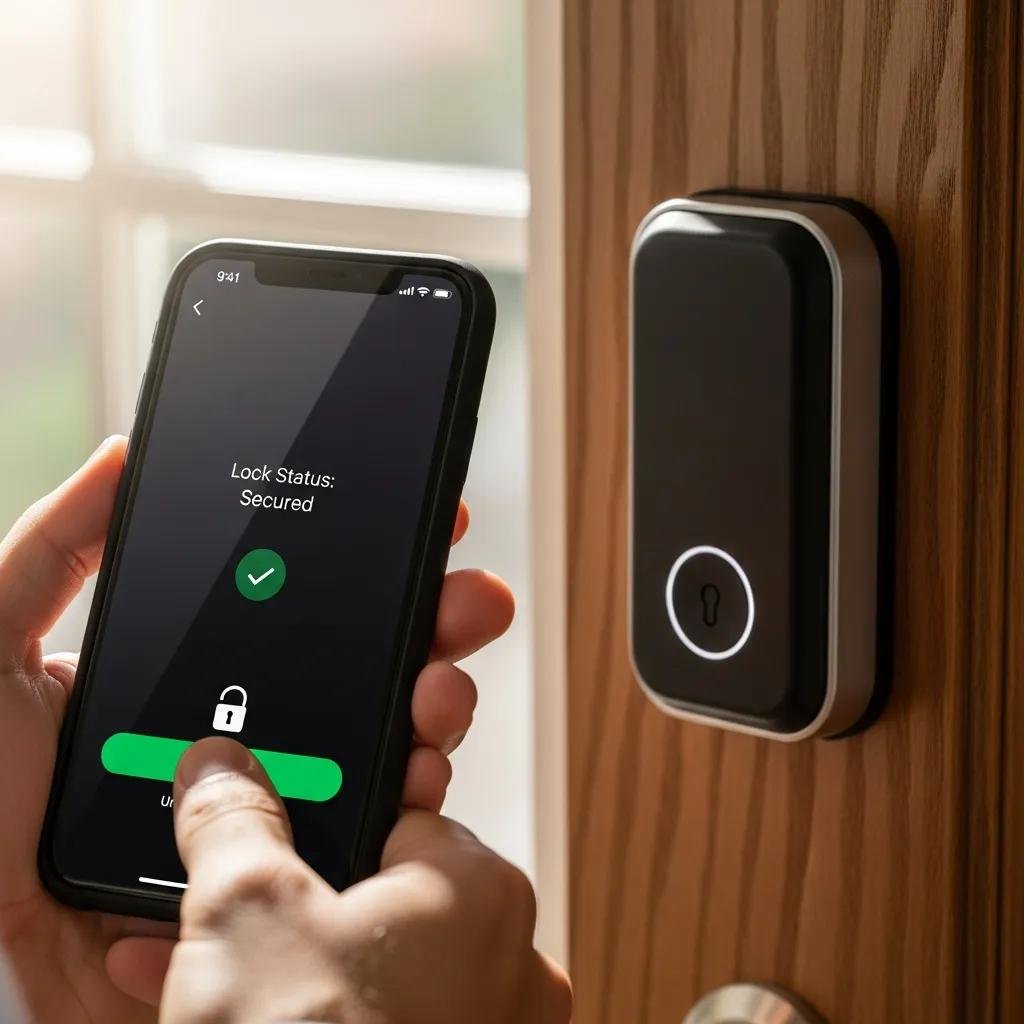
- Create User Codes: Use the app to set up user codes for family members or guests.
- Test the Lock: Lock and unlock the door using the app and the physical key to ensure everything is functioning correctly.
Testing the lock will confirm that it operates as intended and that all features are working.
What Are Common DIY Smart Lock Installation Problems and How Can I Troubleshoot Them?
Even with careful preparation and installation, issues may arise. Here are some common problems and their solutions.
How Do I Fix Deadbolt Misalignment and Lock Jamming Issues?
- Check Alignment: If the deadbolt does not align with the strike plate, adjust the position of the lock or the strike plate as needed.
- Lubricate the Lock: If the lock is jamming, apply a graphite-based or silicone-based lubricant to the moving parts to ensure smooth operation. Avoid oil-based lubricants as they can attract dirt.
These steps can help resolve common alignment and jamming issues.
How Can I Resolve Connectivity and Power Problems?
- Check Wi-Fi Connection: Ensure that your smart lock is within range of your Wi-Fi router and that the connection is stable.
- Replace Batteries: If the lock is not responding, check the battery level and replace them if necessary.
Addressing these issues will help maintain the functionality of your smart lock.
When Should I Consider Professional Smart Lock Installation Services?
While many homeowners can successfully install a smart lock themselves, there are situations where professional assistance may be beneficial.
What Are the Benefits of Hiring a Licensed Locksmith for Smart Lock Installation?
- Expertise and Experience: Licensed locksmiths have the training and experience to handle various lock types and installation scenarios.
- Time-Saving: Hiring a professional can save you time and ensure the job is done correctly the first time.
- Warranty Protection: Many locksmiths offer warranties on their work, providing peace of mind.
Considering these benefits can help you decide whether to tackle the installation yourself or seek professional help.
How Can My Locksmith Express Assist with Smart Lock Repair and Emergency Services?
My Locksmith Express specializes in smart lock installation and repair services. As a 24/7 mobile locksmith service based in the Charlotte, NC area, including Cornelius, Huntersville, and the Lake Norman region, we can assist with:
- Emergency Lockouts: Quick response for lockout situations.
- Smart Lock Repair: Expertise in troubleshooting and repairing smart locks.
- Installation Services: Professional installation of various smart lock models.
Choosing a professional service can ensure your smart lock is installed correctly and functions optimally.
This table summarizes common installation problems and their respective solutions, helping you troubleshoot effectively.
| Problem Type | Common Issue | Solution |
|---|---|---|
| Misalignment | Deadbolt does not align with strike plate | Adjust lock or strike plate |
| Jamming | Lock is difficult to operate | Lubricate moving parts |
| Connectivity | Smart lock not connecting to Wi-Fi | Check router range and stability |
Smart locks offer enhanced security and convenience for homeowners. By following this guide, you can confidently install your smart lock and enjoy the benefits of modern home security technology.