Table of Contents
ToggleCompare Top Smart Locks for Home: Security, Features & InstallationCompare Top Smart Locks for Your Home: Expert Guide to Installation, Security, and Features
Smart locks are revolutionizing home security by offering convenience and advanced features that traditional locks cannot match. This comprehensive guide will help you compare the best smart locks available, focusing on their installation processes, security features, and compatibility with home automation systems. As homeowners increasingly seek ways to enhance their security, understanding the benefits and functionalities of smart locks becomes essential. This article will address common concerns, installation tips, and the unique features of leading brands, ensuring you make an informed decision for your home.
Which Smart Lock Brands Offer the Best Features for Home Security?
When it comes to smart locks, several brands stand out for their innovative features and reliability. Understanding the differences between these brands can help you choose the best option for your home security needs.
How do August, Schlage, Yale, Kwikset, and Ultraloq Compare?
The following table compares the key features of popular smart lock brands:
| Brand | Key Features | Price Range | User Satisfaction |
|---|---|---|---|
| August | Keyless entry, remote access, auto-lock | $149 – $229 | High |
| Schlage | Built-in alarm, fingerprint access (on some models) | $199 – $329 | Very High |
| Yale | Touchscreen keypad, voice control | $179 – $299 | High |
| Kwikset | SmartKey technology, Bluetooth access | $129 – $229 | Moderate |
| Ultraloq | Biometric access, anti-peep keypad | $149 – $249 | High |
What Are the Unique Security Features of Each Smart Lock Brand?
Each smart lock brand incorporates unique security features that enhance home protection. For instance, August locks offer remote access and integration with smart home systems, along with auto-lock and DoorSense technology. Schlage locks include built-in alarms on select models that alert homeowners to unauthorized access attempts. Yale’s locks provide voice control compatibility through integrations with Alexa and Google Assistant, making them user-friendly, especially for those with mobility challenges. Kwikset’s SmartKey technology allows users to rekey their locks easily, providing flexibility and security. Ultraloq stands out with its biometric access options and anti-peep keypad, ensuring that only authorized users can gain entry.
How Does Smart Lock Installation Work in Charlotte and Lake Norman?
Installing a smart lock can be a straightforward process, but understanding the steps involved is crucial for ensuring proper functionality and security.
What Are the Benefits of Professional Locksmith Installation?
- Expertise: Professionals have the knowledge and experience to install locks correctly, ensuring optimal performance.
- Time-saving: A locksmith can complete the installation quickly, allowing homeowners to enjoy their new security features without delay.
- Warranty coverage: Many locksmiths provide warranties on their work, giving homeowners peace of mind.
For residents in Charlotte and Lake Norman, My Locksmith Express offers fast and reliable locksmith solutions, ensuring your smart lock is installed correctly and securely.
How to Prepare Your Home for Smart Lock Installation?
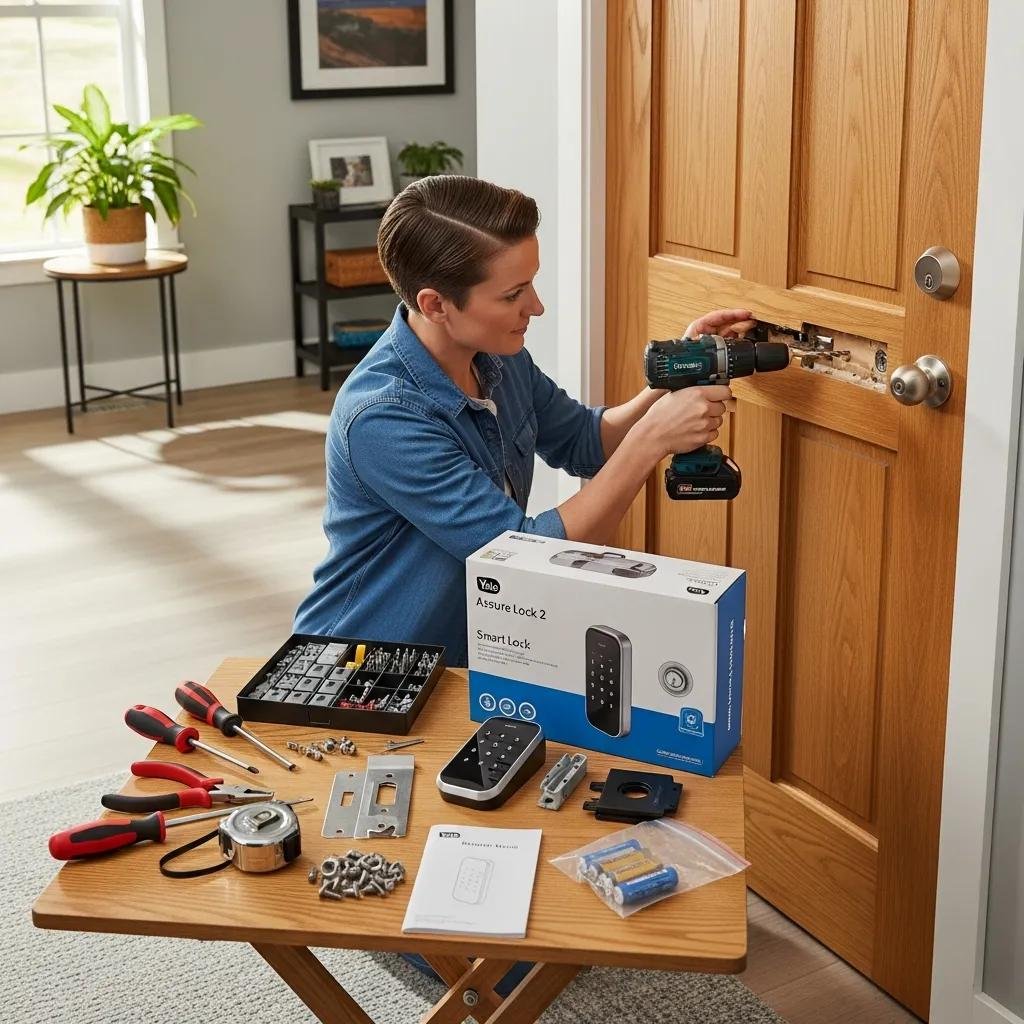
- Assessing door compatibility: Ensure your door is compatible with the smart lock you choose, considering factors like thickness (typically 1-3/8″ to 2″ thick) and material.
- Gathering tools: Have the necessary tools ready, such as a screwdriver and measuring tape, to facilitate the installation process.
- Scheduling installation: Coordinate with a professional locksmith to find a convenient time for installation, ensuring minimal disruption to your daily routine.
By following these preparation steps, homeowners can ensure a smooth installation process for their new smart locks.
What Are the Key Smart Lock Security Features You Should Know?
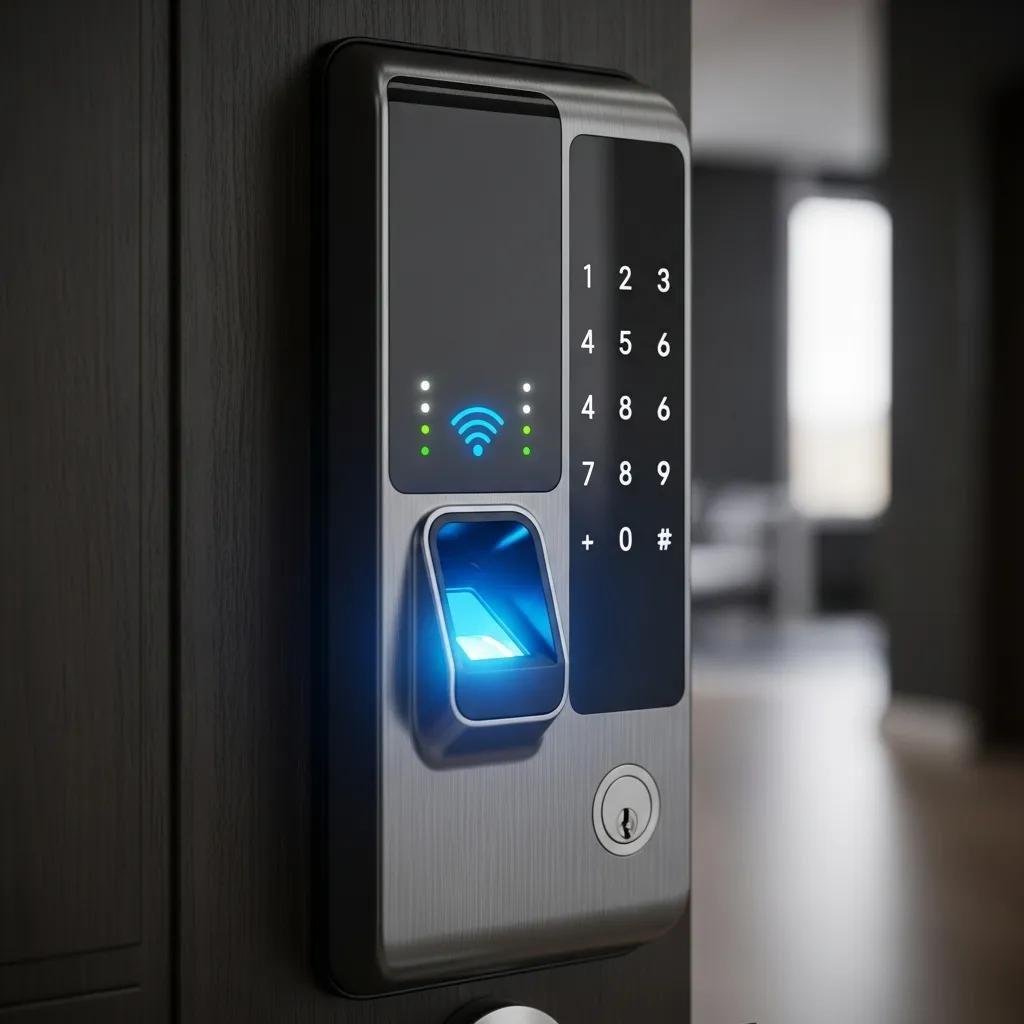
Smart locks come equipped with various security features that enhance home safety. Understanding these features is essential for making an informed decision.
How Do Keyless Entry, Biometric, and Multi-Factor Authentication Enhance Security?
Keyless entry systems eliminate the need for physical keys, reducing the risk of lock picking or key duplication. Biometric locks, which use fingerprint recognition, provide an additional layer of security by ensuring that only authorized users can access the home. Multi-factor authentication combines two or more verification methods, such as a password and a fingerprint or a smartphone app and a PIN code, to enhance security further. These advanced features make smart locks a reliable choice for modern home security.
Can Smart Locks Be Hacked and How to Protect Your Home?
While smart locks are designed with security in mind, concerns about hacking do exist. Common hacking methods include exploiting weak passwords, vulnerabilities in the lock’s software, or intercepting unsecured wireless signals. To protect your home, consider the following measures:
- Use strong, unique passwords: Avoid using easily guessable passwords and change them regularly.
- Enable two-factor authentication: This adds an extra layer of security by requiring a second form of verification.
- Keep software updated: Regularly update your smart lock’s firmware to protect against known vulnerabilities.
By implementing these strategies, homeowners can significantly reduce the risk of unauthorized access to their homes.
Which Smart Locks Are Compatible with Home Automation Systems?
Many smart locks are designed to integrate seamlessly with home automation systems, enhancing their functionality and convenience.
How Do Wifi and Bluetooth Smart Locks Integrate with Alexa and Google Home?
Wifi and Bluetooth smart locks can connect to popular home automation systems like Alexa and Google Home, often via a compatible hub or bridge. This integration allows homeowners to control their locks remotely, receive notifications about lock status, and even grant access to guests through voice commands. The convenience of managing your home security from a smartphone or smart speaker makes these locks an attractive option for tech-savvy homeowners.
What Are the Advantages of Using Smart Lock Apps for Remote Access?
- Remote access: Control your lock from anywhere, allowing you to grant access to visitors even when you’re not home.
- User notifications: Receive alerts when someone enters or exits your home, keeping you informed about who has access.
- Access management: Easily manage user permissions, allowing you to grant or revoke access for family members, friends, or service providers.
These features make smart lock apps an essential tool for modern home security management.
What Are Common Troubleshooting and Maintenance Tips for Smart Locks?
Maintaining your smart lock is crucial for ensuring its longevity and reliability. Here are some common troubleshooting and maintenance tips.
How to Extend Smart Lock Battery Life and Ensure Reliability?
- Use high-quality batteries: Invest in reputable battery brands to ensure optimal performance.
- Regularly check battery levels: Monitor battery levels through the smart lock app and replace batteries as needed.
- Limit unnecessary usage: Avoid excessive use of features like Bluetooth scanning or frequent remote access, which can drain the battery faster.
By following these tips, homeowners can ensure their smart locks remain functional and reliable.
What Are Quick Fixes for Common Smart Lock Issues?
- Reset the lock: If the lock is unresponsive, try resetting it according to the manufacturer’s instructions.
- Check for obstructions: Ensure there are no physical obstructions preventing the lock from functioning properly.
- Reinstall the app: If the app is malfunctioning, uninstalling and reinstalling it can resolve many issues.
If problems persist, it may be time to consult a professional locksmith for assistance.
What Frequently Asked Questions Do Homeowners Have About Smart Locks?
Homeowners often have questions about the functionality and security of smart locks. Here are some common inquiries.
What Is the Best Smart Lock for Apartments and Rental Homes?
For apartments and rental homes, the best smart locks are those that offer easy installation and compatibility with existing door hardware without requiring permanent modifications. Brands like August and Kwikset provide options that fit over existing deadbolts or replace locks with minimal effort, making them ideal for renters. Additionally, features like remote access and temporary codes for guests enhance convenience without compromising security.
Do Smart Locks Require Constant WiFi to Function?
While many smart locks rely on WiFi for remote access and advanced features, some models can function offline. These locks typically allow users to access their homes using a physical key, keypad entry, or Bluetooth connection without WiFi. However, to take full advantage of smart features such as remote locking/unlocking and notifications, a stable WiFi connection is recommended. Homeowners should consider their specific needs and choose a lock that aligns with their lifestyle and connectivity preferences.